
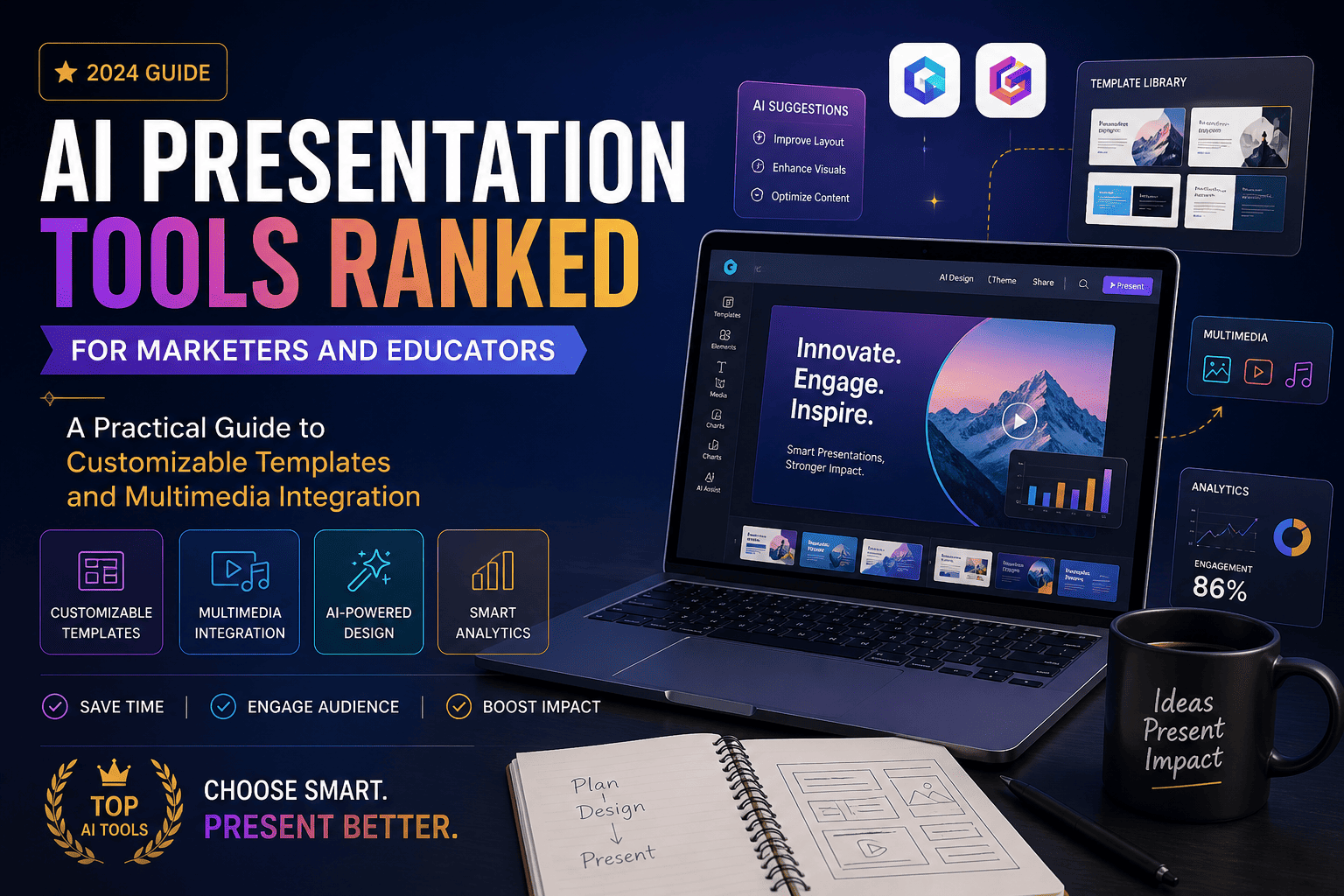
AI Presentation Tools Ranked for Marketers and Educators: A Practical Guide to Customizable Templates and Multimedia Integration
Introduction
This article is for marketers and educators who want to create polished, professional presentations faster by using AI, and who need help deciding which platform best fits their specific workflow, design goals, and technical requirements. Whether you are building a campaign pitch deck, designing a lesson slideshow, or preparing a conference presentation, the AI tools available in 2026 can dramatically reduce the time you spend on formatting and layout. After reading this guide, you will understand the key differences between the major tool categories, be able to apply a consistent set of evaluation criteria to any platform you try, and walk away with a clear direction on where to start.
Why AI Presentation Tools Have Become Essential
The average professional spends roughly 20 hours per month working on presentations, and a significant portion of that time is consumed by formatting rather than crafting the actual message. For marketers managing campaign reporting, client pitches, and internal strategy reviews, and for educators building lesson decks across multiple subjects and audiences, that time adds up fast. AI presentation tools tackle this directly: they handle the layout decisions, apply visual consistency, suggest structure, and generate supporting visuals, leaving users free to focus on content and delivery.
The challenge is that this category has expanded rapidly. What started as a handful of template-based editors has become a competitive landscape of standalone AI platforms, browser-based design suites, PowerPoint add-ins, and built-in AI features inside legacy tools. Not all of these are equally useful for marketers or educators, and choosing the wrong one based on surface-level features can mean wasted subscriptions and rework. The criteria below are designed to help you cut through that.
10 Criteria for Evaluating Any AI Presentation Tool
Before exploring specific platform types, here is a consistent set of evaluation criteria to apply to any tool you consider. Return to this list when comparing options:
- AI generation quality: Does the tool generate a complete, structured slide deck from a text prompt or uploaded document, or does it only assist with individual visual elements?
- Template customizability: Can you modify templates at the element level, including fonts, colors, images, and layouts, without being locked into the original design?
- Multimedia integration: Does the tool support video embedding, audio, animated elements, charts, infographics, and AI-generated images within the same editor?
- Brand kit support: Can you upload your own logos, fonts, and color palettes and have them applied automatically across all slides?
- Audience and tone controls: Can you specify the intended audience, the desired tone, and the level of detail before generating slides, so the output is relevant from the start?
- Export format compatibility: Does the tool export to PowerPoint (.pptx), PDF, and other formats with high fidelity, or do exports require significant cleanup?
- Collaboration features: Can multiple people view, comment on, or co-edit a presentation in real time from a shared link?
- Free plan usability: What is actually available without paying, and does the free tier allow enough functionality to evaluate whether the tool fits your workflow?
- Learning curve: Can someone without a design background produce a professional result in their first session, or is there a significant setup period before the tool becomes useful?
- Integration with existing tools: Does the platform connect with tools you already use, such as Google Drive, Microsoft Office, Adobe Creative Cloud, or learning management systems?
Standalone AI Presentation Platforms
The most widely discussed category is the standalone AI presentation platform. These are purpose-built tools with their own editors, their own file formats, and their own AI generation engines. You describe what you want, the tool generates a full deck, and you refine from there.
The best tools in this category generate a structured outline first, allow you to review and edit it before slides are built, and then produce a visually consistent deck with layouts appropriate to each slide’s content type. For marketers, this means a campaign report with a data-heavy slide gets a chart layout, while a key message slide gets a bold typographic treatment automatically. For educators, the better platforms adapt their output based on audience: some tools recognize educational prompts and suggest student-friendly layouts, reading levels, and content structures rather than defaulting to a corporate pitch format.
The primary tradeoff in this category is export reliability. Many standalone platforms are web-native, meaning they are designed to be presented and shared via link rather than downloaded. When you export to PowerPoint, formatting shifts are common: fonts substitute, spacing changes, and layouts may require manual correction. For marketers and educators who share files with stakeholders who use PowerPoint or Google Slides natively, this can add meaningful time back into the workflow the tool was supposed to eliminate. When evaluating any tool in this category, test the export early rather than after you have invested time in the design.
Adobe Express as a Strong All-in-One Option
For users who need AI generation alongside professional design control, deep multimedia support, and reliable export, the AI presentation maker from Adobe Express is a strong option worth evaluating. A few specific capabilities set it apart from pure-AI-first platforms.
First, its generation workflow includes an editable outline stage between your prompt and the finished slides. After you describe your presentation’s theme or upload source files, the AI generates an editable outline that you can review, adjust, and approve before any slides are built. This means the structure is intentional rather than automatic, which reduces the need to restructure after generation. You can also adjust audience type, presentation length, and level of detail at this stage, so the resulting slides are calibrated to your actual context rather than a generic template.
Second, multimedia integration is native and deep rather than bolted on. Beyond images, Adobe Express connects to Adobe Stock, supports AI image generation from text prompts, offers a music generator, an AI voiceover feature, and generative fill for extending images, all within the same editor session. For educators creating lesson content or marketers building client-facing decks, this means everything from background imagery to audio narration can be produced without leaving the platform or stitching together multiple tools.
Third, the brand kit feature is practical for teams and repeat users. The upgraded version of Adobe Express supports a brand kit that applies your brand’s unique fonts, colors, and logos to your presentation decks in a single click, with the ability to lock these elements to ensure branding integrity is maintained. For marketing teams managing multiple campaigns or educators working within an institution’s visual identity, this removes the manual step of re-applying brand elements each time a new deck is created. Finished presentations can be downloaded as a PDF, JPG, or PowerPoint (.pptx) file, or presented directly from Adobe Express.
AI-Powered Presentation Platforms Built for Speed
A distinct subcategory within standalone tools is the speed-first AI platform. These tools prioritize going from a blank slate to a complete deck in the shortest possible time. The generation is fast, the interface is minimal, and the emphasis is on getting a usable first draft rather than fine-grained creative control.
For marketers producing high-volume, lower-stakes decks such as internal progress updates, weekly reporting, or team briefings, speed-first tools deliver genuine value. The output is usually visually clean, the slide count and structure are reasonable for the prompt given, and the editing tools cover the basics. The limitation becomes apparent when you need a deck that stands out visually, conforms precisely to a brand guide, or includes rich multimedia elements. Speed-first tools tend to generate consistent but somewhat generic results, and customization beyond swapping text and images can feel constrained.
For educators, speed-first generation works well for building first drafts of lesson outlines, review decks, or introductory materials, but may require more manual adjustment when adapting content for specific grade levels, learning objectives, or subject-specific visual conventions. Some platforms in this category have begun adding audience presets and educational templates specifically to address this gap, but quality varies significantly between tools.
Presentation Tools Built Around Brand Consistency
For marketing teams where every external deck needs to look like it came from the same design team, there is a category of AI presentation tools built specifically around brand compliance and repeatability. These platforms center on automated design systems: smart templates where the layout adjusts automatically as you add content, brand kit enforcement that prevents off-brand font or color choices, and team libraries where approved assets are always accessible.
These tools are particularly strong for organizations where multiple people create presentations regularly and consistency matters more than individual creative expression. A sales team member creating a pitch deck and a marketing manager building a campaign report will produce visually aligned results even without coordinating with each other. The AI handles the layout and design logic while contributors focus on the content specific to their audience.
The tradeoff is that the automated design logic that ensures consistency also limits creative flexibility. If you want a layout the system’s smart templates do not support, you may find yourself working against the tool rather than with it. For individual educators or solo marketers who want more visual control, the structure of brand-first tools can feel unnecessarily rigid.
PowerPoint and Google Slides Add-Ins
For users who already live in Microsoft PowerPoint or Google Slides and do not want to learn a new interface, AI add-ins that work directly inside those applications are a practical category. These tools add AI generation, content suggestions, and smart formatting capabilities to the tools you already know, without requiring you to export or convert files.
The primary advantage here is zero disruption to an existing workflow. If you collaborate with colleagues, clients, or students who work natively in these environments, there is no export step and no compatibility concern. Everything stays in the format your audience expects. For educators working within an institution that standardizes on Google Workspace, or for marketers whose clients require deliverables in .pptx format, this category eliminates a meaningful friction point that plagues web-native standalone tools.
The limitation is that the AI capabilities in add-in tools tend to be narrower than dedicated platforms. Generation quality, multimedia support, and design polish are generally lower than what best-in-class standalone tools produce. These are tools that improve an existing workflow rather than transforming it.
Matching the Right Tool to Your Role
The right platform depends on how you work, what you produce, and who receives the final result. Here is a practical framework:
- Marketers building external client decks: Prioritize brand kit support, high-fidelity PowerPoint export, and real-time collaboration. Tools with automated brand enforcement and team libraries save the most time in this context.
- Marketers creating internal reporting and campaign summaries: Speed-first tools or AI-powered all-in-one platforms with data visualization support are the most efficient choice. Exact brand compliance matters less; clarity and speed matter more.
- Educators building lesson presentations: Look for tools that support audience-level adjustment, allow embedding of video and interactive content, and export in formats compatible with classroom technology. Some platforms include education-specific presets that adjust content complexity and layout conventions automatically.
- Educators creating shareable learning materials: Web-native tools that allow sharing via link, include AI voiceover or narration features, and support embedding video from external sources are particularly strong for asynchronous learning contexts.
- Any user presenting directly from the tool: Test the in-browser presentation mode before committing. Some platforms offer full-screen presenting with speaker notes, slide navigation, and real-time controls directly in the editor, eliminating the need to download and open a separate file.
FAQs
How much time can marketers and educators realistically save with AI presentation tools?
The time savings are meaningful but vary based on how you currently work and how much refinement the generated output requires. Research from the presentation tools industry suggests that AI-generated decks can reduce overall prep time from two to three hours per presentation down to under two hours on average, with some users reporting significantly larger reductions for routine or templated content. For marketers producing recurring reports or educators building similar lesson structures repeatedly, the efficiency gains compound: once a template is established and brand assets are uploaded, each subsequent presentation benefits from that existing setup. The most honest benchmark is to test a tool on a real presentation you would have built anyway, note how much editing the generated output required, and calculate whether the total time including setup and refinement was lower than your baseline.
What should I look for in multimedia integration, specifically for presentations shared with an audience?
Multimedia integration in AI presentation tools varies from basic image insertion to full support for embedded video, AI-generated audio, animated elements, data visualization, and generative image creation from text. For marketers presenting live to clients, the most important multimedia capabilities are typically high-quality image sourcing, clean chart and data visualization support, and smooth in-browser presentation mode. For educators, video embedding from external platforms, AI voiceover for asynchronous delivery, and animated content for explaining processes or sequences tend to deliver the most engagement value. When evaluating any tool, look specifically at how multimedia is added: whether it requires uploading files manually, whether the tool generates assets natively, and whether embedded content survives export to PowerPoint or PDF with its functionality intact. Video that plays in the browser editor may not play in a downloaded file, which is a common source of friction when sharing presentations after the fact.
Are AI-generated presentations good enough for professional external use, or do they typically require significant editing?
The quality of AI-generated presentations has improved substantially, and in many cases the initial output is close to presentation-ready for internal use. For external-facing deliverables such as client pitches, conference presentations, or published educational materials, most users report that the AI handles structure and visual consistency well but that content accuracy, tone calibration, and slide-by-slide messaging still require human review and refinement. The tools that require the least editing tend to be those with structured outline stages, where you review and approve the content architecture before slides are built, rather than tools that generate everything in one step. The most experienced users treat AI generation as a first draft that gets the structure and design right, then apply their own judgment to the content layer. Setting that expectation upfront leads to better outcomes than expecting a fully finished, publication-ready deck from the prompt alone.
How important is PowerPoint export fidelity, and which types of tools handle it best?
PowerPoint export fidelity is one of the most consequential and least discussed factors when choosing a presentation tool, particularly for marketers whose clients or stakeholders open files in PowerPoint rather than a browser. Web-native tools that maintain presentations in their own format frequently produce exports where fonts substitute, spacing shifts, layout containers change size, and custom design elements lose their styling. For high-stakes external deliverables where the .pptx file is the final product, this cleanup time can add 30 to 60 minutes per presentation. Tools that work natively inside PowerPoint as add-ins eliminate this problem entirely, as do all-in-one platforms that treat PowerPoint export as a primary rather than secondary output format. If your workflow regularly ends in a .pptx file delivered to someone outside your organization, test the export specifically during your trial period rather than assuming quality. Sending yourself a test export and opening it in a clean PowerPoint instance on a different device is the most reliable way to assess true fidelity.
What free plans are available, and are they actually useful for ongoing work?
Most major AI presentation tools offer free plans, but the meaningful differences are in generation limits, export access, and template quality. Several platforms provide a limited number of free AI generations per month, after which you must upgrade to continue. Others offer watermark-free exports on free tiers but restrict access to premium templates, brand kit features, or multimedia generation. For educators with budget constraints, free plans from several platforms are genuinely usable for building lesson content, particularly when generation credits reset monthly and the templates in the free library are sufficient for educational purposes. For marketers, free plans are most useful as evaluation tools rather than ongoing production environments: the branding, collaboration, and export features that matter most for professional client work are typically gated behind paid tiers. Before committing to any paid plan, use the free version on at least two real presentations that represent your actual use case. If the free tier’s output quality and feature set feel adequate, that is useful signal; if you immediately hit walls, it is better to know before paying. For tracking software subscription costs across multiple tools, a service like Zoho Expense can help teams manage and audit recurring creative tool spend.
AI presentation tools have matured to a point where marketers and educators can genuinely reduce the time spent on design and formatting without sacrificing professional quality. The most important thing to recognize is that there is no single best tool for everyone: the right platform depends on whether your priority is speed, brand consistency, multimedia depth, PowerPoint compatibility, or ease of use for a non-design audience. All-in-one platforms like Adobe Express offer a balanced combination of AI generation, native multimedia, and brand kit support with reliable export options. Speed-first platforms deliver fast first drafts. Brand-focused tools keep teams visually aligned. Add-ins extend AI capability into environments you already work in.
Use the ten evaluation criteria in this guide as your filtering framework, test at least two tools on a real presentation before committing to a paid plan, and pay particular attention to export fidelity if your final deliverable is a file rather than a shared link. The goal is not the tool with the most features but the one that reduces the distance between having an idea and having a presentation your audience will actually engage with.



Leave a Comment